Getting started with Rapidminer AI Studio
Probably the best way to learn how to use Rapidminer® AI Studio software is the hands-on approach: Download Rapidminer AI Studio, and study the bundled tutorials. Once you've looked at the tutorials, follow one of the suggestions provided on the Start Page. Here are some additional hints:
- For a hands-on introduction to the user interface, read about the Design View.
- For training videos, check out Rapidminer® software Academy.
- For basic data science tutorials, see the series 5 minutes with Ingo.
- For a review of data science terminology, see the Getting Started Glossary.
- For help, best practices, and networking, visit the Rapidminer Community.
Alternatively, you can accelerate the learning process (and your model building) by using a guided approach.
- For interactive data preparation, try Turbo Prep.
- For automated machine learning, try Auto Model.
Tutorials
Step-by-step tutorials are activated the first time you open Rapidminer AI Studio. It's a good idea to read the introduction and take the guided tour.
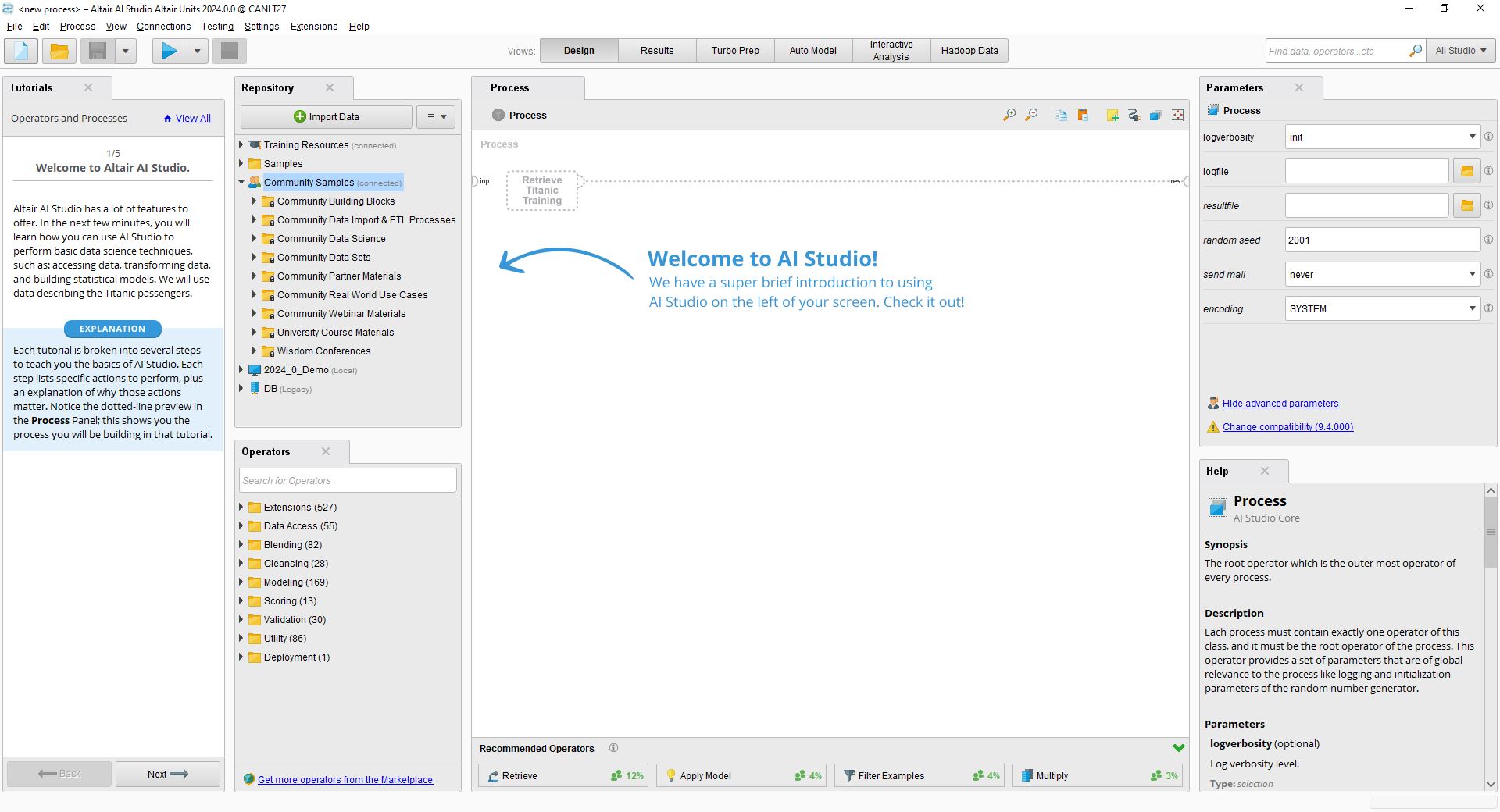
Later, you can reopen the tutorials by selecting File > New Process,
and choosing the Learn tab.
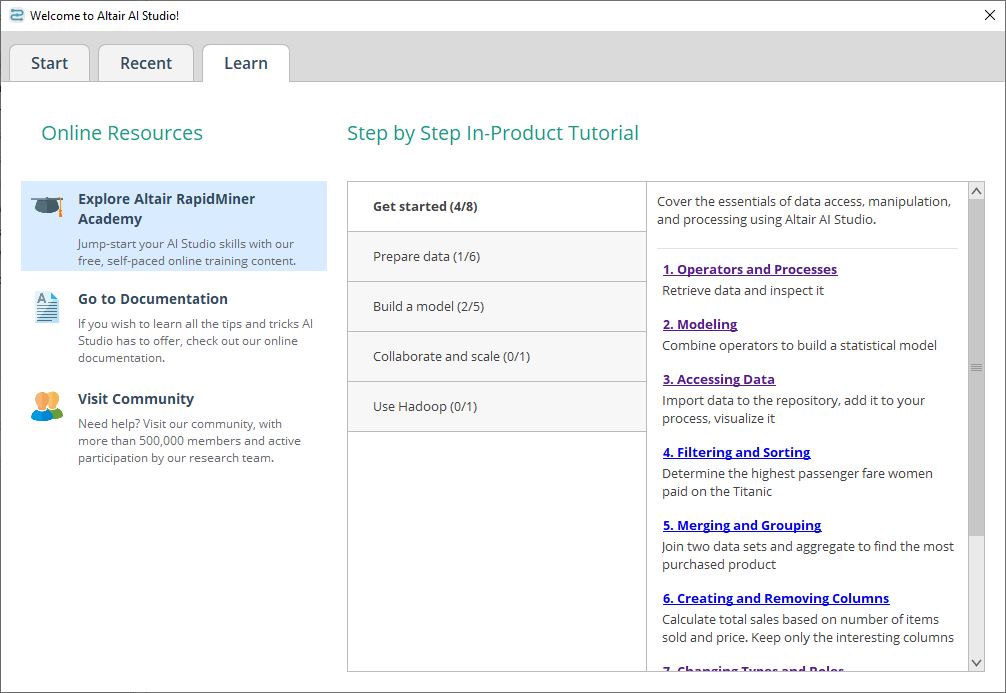
The Learn tab links to the following additional material:
The Start Page
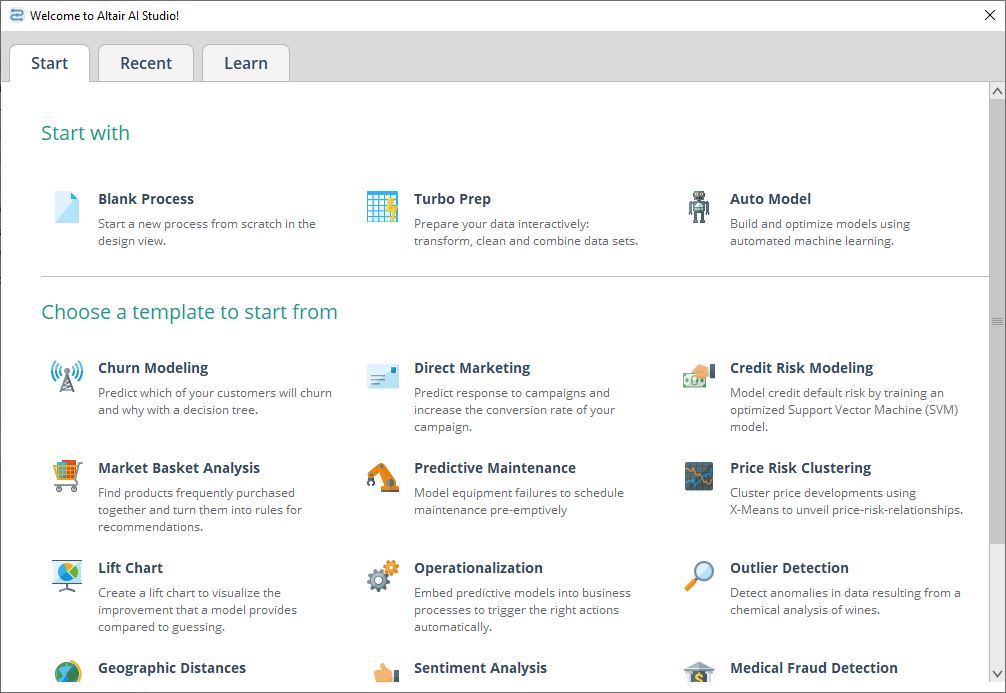
Once you've studied the tutorials, you can decide on your next step with the help of the Start Page:
- If you want additional guidance, or you want to accelerate your data preparation and model building, try Turbo Prep, Rapidminer AI Studio's tool for interactive data preparation, and Auto Model, Rapidminer AI Studio's solution for automated machine learning.
- If you want to see more examples, choose from one of the templates in the Samples Repository.
- If you want to do it yourself, create a new (blank) process from scratch in the Design View.
You can open the Start Page at any time by selecting File > New Process.